An .html, .htm or .json file from an email can be awkward to read in a plain text editor. Tags, brackets and long single lines hide the actual content. InstantDocView opens these files in your browser without an installation or account, and lets you make small edits locally.
Read and format a JSON file
- Choose Choose files on the home page and select a .json file, or try the JSON sample near the bottom.
- Valid JSON appears with readable indentation. If the structure is invalid, an error is shown instead of quietly displaying misleading data.
- Select Edit to change the source. Format JSON adds indentation to a compressed single line. Apply changes is unavailable until the JSON is valid.
- Use Preview to check the result, then Apply changes to update the open tab. Download file saves a local copy; the original file is not changed automatically.
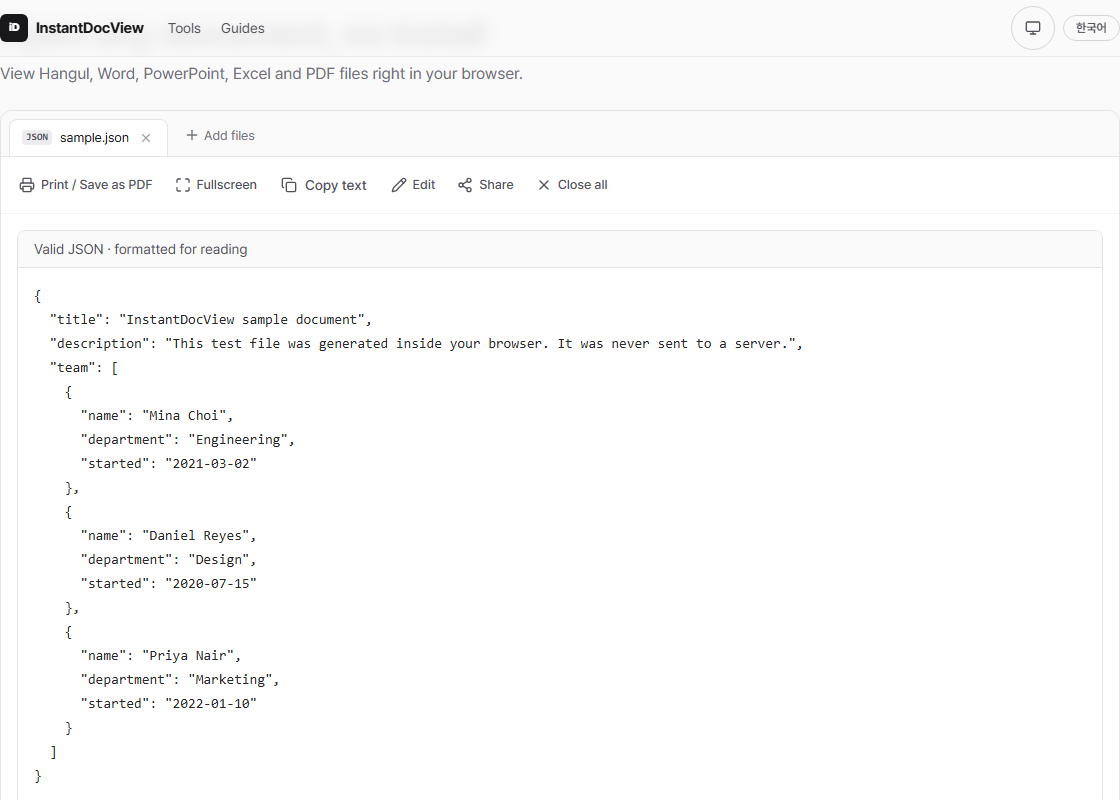
The JSON viewer indents objects and arrays. The editor reports syntax errors.
Preview an HTML file safely
Select an .html or .htm file to open a safe preview. Basic headings, paragraphs, lists and tables appear as a page. Choose HTML source to inspect the code. To change text or tags, choose Edit, then check the preview before applying your changes.
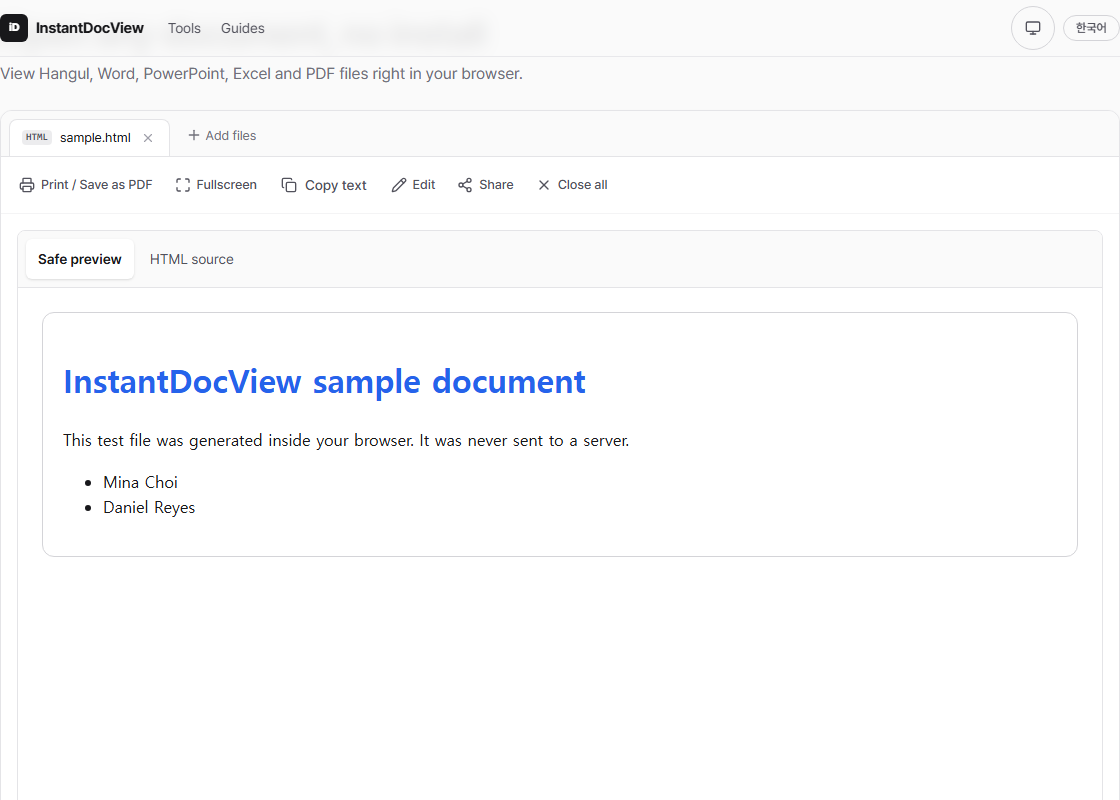
The preview does not run scripts or fetch external images and styles. It can therefore look different from the page running on a live website. It is designed for reading and making simple edits to a file, rather than testing an entire website.
Share an edited copy
After Apply changes, HTML and JSON can also be shared from the toolbar. The text is compressed into the link; the site does not store the document file. Source text can be up to 256 KB, but the compressed URL must stay below about 24,000 characters. See the text sharing guide for the full process.
Anyone with the link can read its contents, and a sent link cannot be revoked. Do not share JSON or HTML that contains API keys, passwords or customer data. The privacy checklist explains what to check before sharing a document.